
For Australian players exploring online casino entertainment, a smooth and secure login process is the first step toward using an online gaming account. The asino casino platform is designed to make access straightforward while keeping account information protected; However, safe login habits remain essential, especially when using public Wi-Fi, mobile devices, or unfamiliar networks.
This guide explains how to use the asino login page, what to check before entering your details, how to solve common access problems, and how to protect your account after signing in. It also covers responsible play, payment security, and practical steps for players in Australia.
What the Asino Login Process Involves
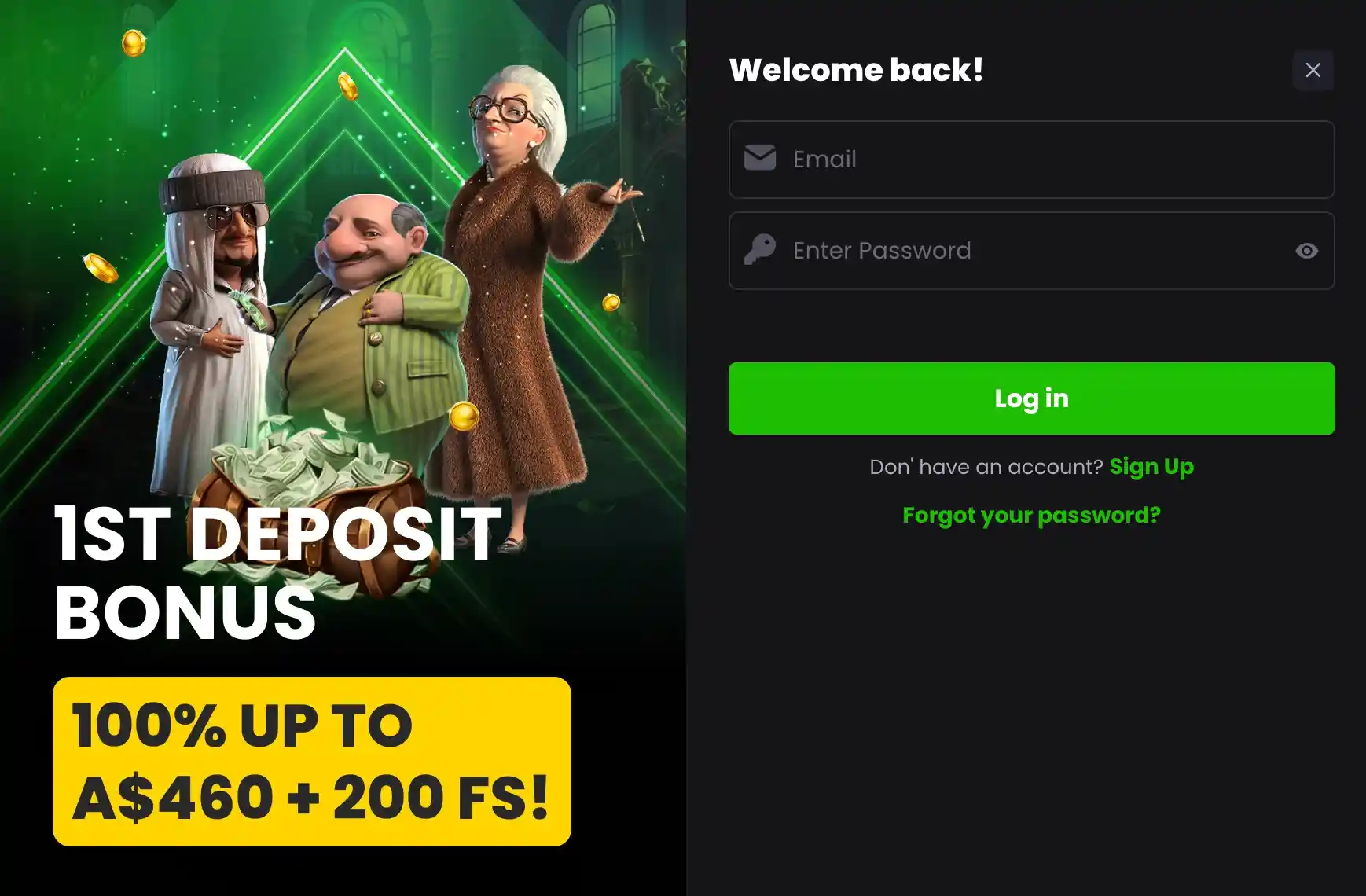
The login process normally requires two basic details: the email address or username linked to the account and the chosen password. Depending on the platform’s current security settings, additional verification may be requested. This can include an email confirmation, a one-time code, or an identity check.
Before logging in, players should confirm that they are using the official asino website or approved application. Search advertisements, copied pages, and messages containing login links can sometimes lead to fraudulent websites. The safest approach is to type the official address manually or use a bookmark created after verifying the website.
Basic steps for signing in
- Open the official asino casino website on a trusted device.
- Select the Login, Sign In, or similar account button.
- Enter the email address or username registered to the account.
- Type the password carefully without sharing it with anyone.
- Complete any security verification requested by the platform.
- Check that the account balance and profile details appear correctly.
If a device is shared with another person, do not select an option that saves the password. Always sign out when finishing a session, particularly when using a public or workplace computer.
How Australian Players Can Prepare for a Safe Login
Account security begins before the login page opens. Australian users should keep their operating system, browser, and mobile security tools updated. Updates often include fixes for vulnerabilities that criminals can exploit to steal passwords or payment information.
A private home network with a strong Wi-Fi password is preferable to an open connection. Public Wi-Fi in cafés, hotels, airports, and shopping centres can expose login information if the network is poorly secured. If access is necessary while travelling, use a trusted mobile connection or a reputable virtual private network, and avoid entering payment details on unknown networks.
Security checks before entering details
- Confirm that the website address is spelled correctly.
- Look for a secure connection indicator in the browser.
- Check that the page does not contain unusual pop-ups or urgent warnings.
- Avoid login links received through unsolicited emails or direct messages.
- Never provide your password to someone claiming to be support without verification.
A genuine support representative should not need to know a player’s full password. If a message asks for the password, card PIN, or complete banking credentials, treat it as suspicious and contact support through the official website.
Creating and Managing a Strong Password
A strong password should be unique to the asino account and difficult to guess. Avoid using a name, birthday, postcode, favourite sports team, or a simple sequence such as “123456”. Australian players should also avoid reusing passwords from email, banking, or social media accounts.
A useful method is to create a long passphrase containing unrelated words, numbers, and symbols. A password manager can generate and store complex credentials without requiring the player to memorise every detail. If the platform supports two-factor authentication, enable it immediately. This adds another verification step even if the password is exposed.
Good password habits
- Use a different password for the casino account.
- Choose a long passphrase rather than a short word.
- Change the password if suspicious activity appears.
- Do not store passwords in public notes or messages.
- Never share credentials with friends or relatives.
Questions Players Commonly Ask
What should I do if I forget my password?
Use the password recovery option on the official login page. Enter the email address associated with the account and follow the instructions sent to that inbox. Check the spam or junk folder if the message does not arrive within a few minutes; If the email address is no longer accessible, contact official support and be ready to complete reasonable account verification.
Why is my login not working?
First, check whether the username and password were entered correctly. Make sure the keyboard language, caps lock, and spaces are not causing an error. A temporary browser problem can also interfere with access, so try clearing cached data, opening a private browser window, or using another updated browser.
If the problem continues, the website may be undergoing maintenance or the account may require additional verification. Avoid repeatedly entering incorrect passwords, since multiple failed attempts may trigger a temporary security lock.
Can I log in from a mobile phone?
Yes, if the website is compatible with mobile browsers or an official application is available. Use only software obtained from a legitimate source. Do not install an application sent as an attachment or downloaded from an unfamiliar page. Lock the phone with a PIN, biometric security, or another reliable method.
What if I notice an unfamiliar login?
Change the account password immediately and sign out of other sessions if that option is available. Review recent account activity, payment information, and profile changes. Contact official support through the verified website and report anything suspicious. If the same password was used elsewhere, change it on those services too.
Deposits, Withdrawals, and Account Protection
After signing in, players may review available deposit and withdrawal methods. Australian users should check which options are currently offered in their region and whether currency conversion, processing times, or transaction limits apply. Payment details should be entered only on secure pages within the authenticated account area.
Never send card numbers, identity documents, or banking information through an unsolicited social media message. If verification is required, upload documents only through the official secure process. Before confirming a transaction, check the amount, currency, recipient, and any applicable fee.
It is also sensible to keep personal gaming funds separate from essential household money. Set a fixed entertainment budget and avoid chasing losses. A login account should provide access to games, not encourage spending beyond a player’s planned limit.
Responsible Use of an Online Casino Account
Responsible gambling is an important part of safe casino use. Before playing, decide how much money and time can be spent without affecting bills, savings, work, or relationships. Treat casino games as entertainment rather than as a method of earning income.
Many platforms provide tools such as deposit limits, session reminders, cooling-off periods, and self-exclusion. These features can help players maintain control. If gambling stops feeling enjoyable or becomes difficult to manage, take a break and seek support from an appropriate Australian counselling or assistance service.
Practical limits to consider
- Set a weekly or monthly spending limit.
- Use time reminders during longer sessions.
- Do not borrow money to continue playing.
- Never gamble while distressed, intoxicated, or exhausted.
- Stop when the planned budget or session ends.
Common Mistakes to Avoid
One of the most frequent mistakes is logging in through a link found in an unsolicited promotion. Fraudulent pages may closely imitate a real casino website and collect passwords. Another mistake is allowing a browser to save login details on a shared computer.
Players should also avoid using the same password for several accounts. If one unrelated service suffers a data breach, criminals may try the exposed credentials on other websites. Keeping software updated and enabling additional account security greatly reduces this risk.
Finally, do not ignore unusual account activity. A changed email address, unfamiliar payment method, unexpected bonus claim, or unexplained balance movement should be investigated promptly.
Final Checklist for a Secure Asino Login
- Use the verified official website.
- Check the browser connection before entering credentials.
- Use a unique, strong password.
- Enable two-factor authentication when available.
- Avoid public Wi-Fi for sensitive account actions.
- Never share passwords or full payment credentials.
- Review account activity after signing in.
- Set responsible gambling limits before playing.
- Sign out from shared or public devices.
- Contact official support if access or security seems unusual.
Using the asino login safely is mainly a matter of checking the website, protecting credentials, and monitoring account activity. With a secure device, a unique password, cautious payment habits, and clear spending limits, Australian players can access their online casino account more confidently and responsibly.