
Accessing your Bizzo Casino1 account is designed to be quick and straightforward. Use the following steps to sign in securely and start enjoying the available casino games.
How to Log In to Bizzo Casino1
- Open the official Bizzo Casino1 website.
- Locate and click the Login button.
- Enter your registered email address, username, or phone number.
- Type your password carefully.
- Click Sign In to access your account.
For a safer browsing experience, always verify that you are using the correct official website before entering your personal details. You may also use the Aubizzo Main Site to find the appropriate access page.
Forgotten Password
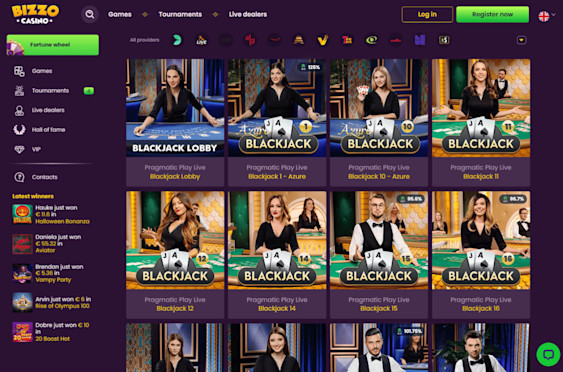
If you cannot remember your password, select the Forgot Password link on the login page. Follow the instructions sent to your registered email address or phone number to create a new password.
Login Problems and Solutions
- Incorrect credentials: Check your username and password for spelling errors and confirm that Caps Lock is disabled.
- Page not loading: Refresh the browser, clear cached data, or try another supported browser.
- Account access issues: Contact customer support for assistance with verification or account restrictions.
- Connection problems: Check your internet connection and try again later if the service is temporarily unavailable.
Security Tips
- Use a strong, unique password for your casino account.
- Never share your login information with anyone.
- Avoid signing in on public or unsecured devices.
- Log out after using a shared computer.
- Enable additional security features if they are available.
Once logged in, review your account details and make sure your information is up to date. Play responsibly, follow the applicable laws in your location, and use only funds you can afford to lose.